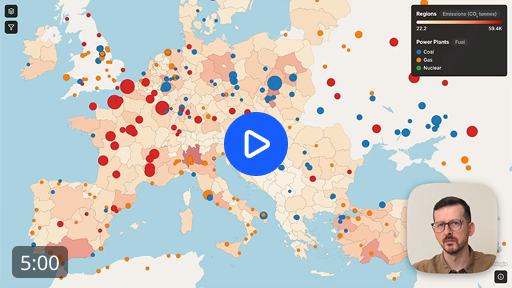
Publish QGIS layers as web maps
The QGIS plugin for Topologis. Push a layer, configure it in the browser, share it.
Re-push to update without losing your styling
Style, filter, and add tooltips in the browser
Share a link or embed on a site, viewers don't need accounts
Install
Install the plugin from the QGIS Plugin Manager.
Push
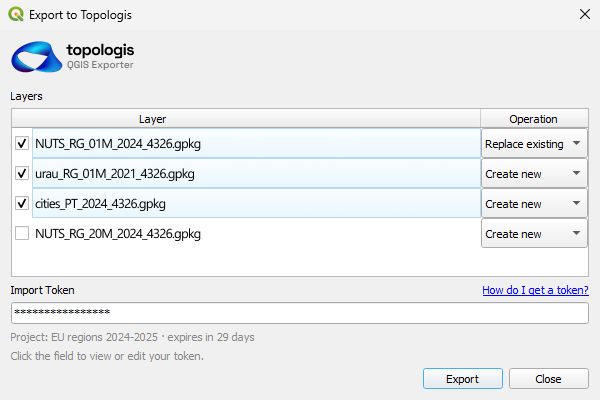
Pick layers and push them to your Topologis project.
Configure
Style, filter, and add tooltips in the browser.
Share
Send a link or embed the map on your site.
1. Install
Install the plugin from the QGIS Plugin Manager.
2. Push
Pick layers and push them to your Topologis project.
3. Configure
Style, filter, and add tooltips in the browser.
4. Share
Send a link or embed the map on your site.
No hosting or re-uploading
Topologis is a hosted service, not a static export. Embed an interactive map on your website or share it with anyone with a simple link , no viewer account needed.
Data source: County of Los Angeles Department of Parks and Recreation.
Install the plugin
From the QGIS Plugin Manager
- Open Plugins → Manage and Install Plugins
- Search for "Topologis"
- Click Install
OR
From GitHub
- Download the latest release zip from GitHub
- Open Plugins → Manage and Install Plugins → Install from ZIP
- Select the downloaded zip and click Install